Send a Quote. Get Paid. Move On.
Build a quote with real line items, turn the accepted one into an invoice in a single click, and let the client pay by card without ever logging in.
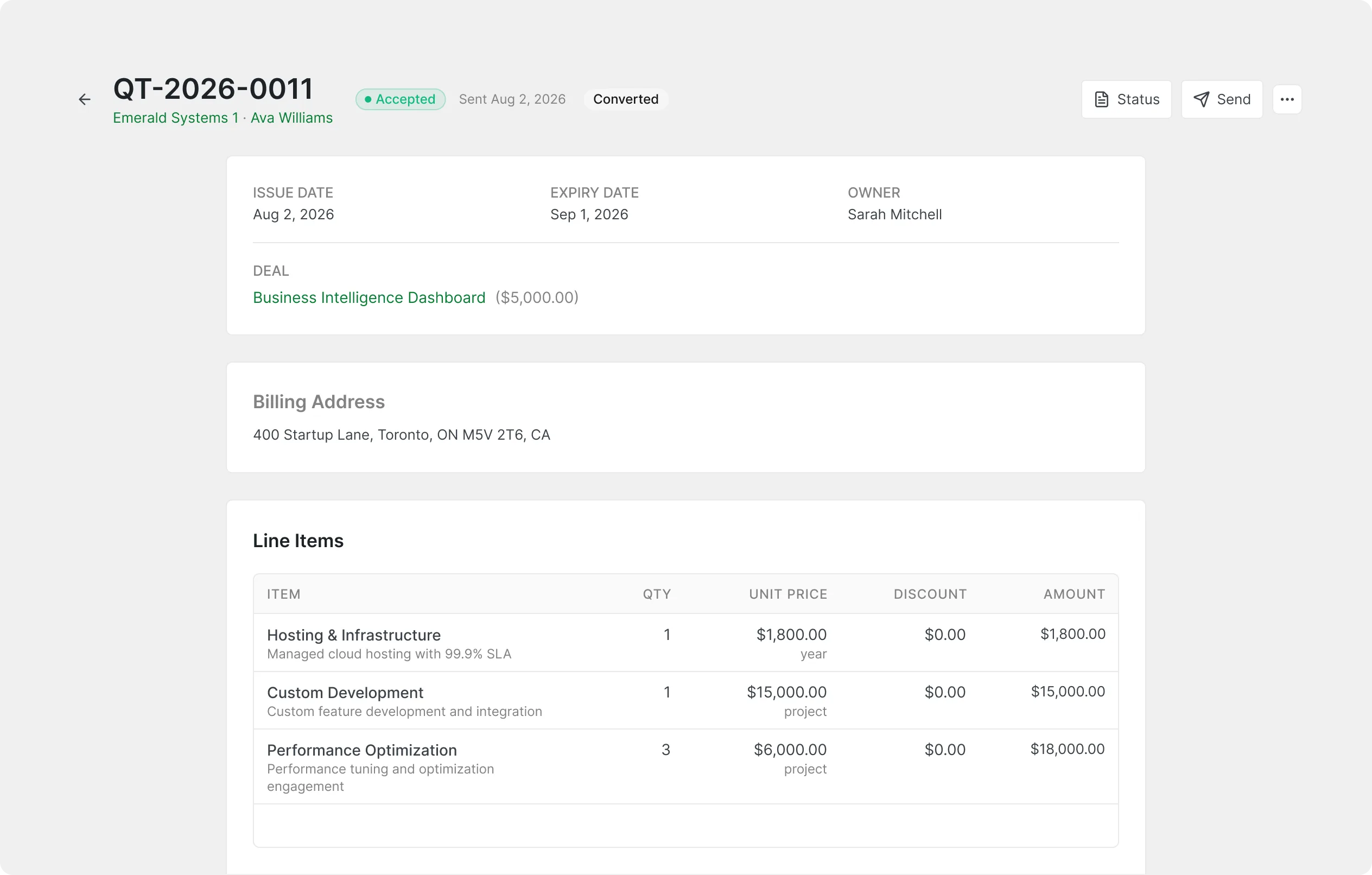
Send a Real Quote in Minutes
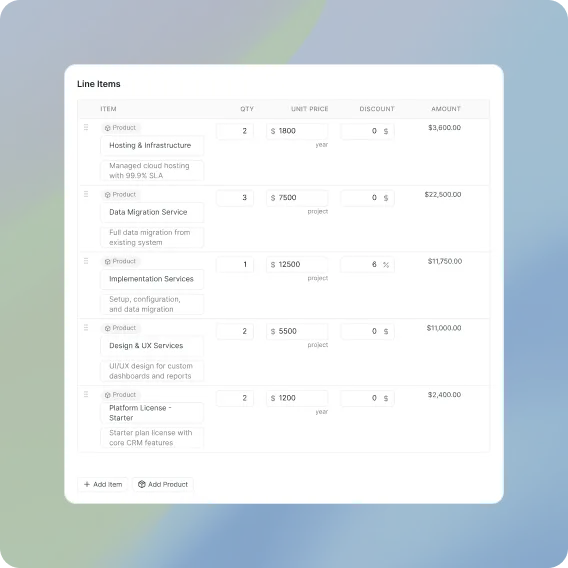
Line items, discounts, tax, notes, and terms on a properly numbered document.
Convert the Quote They Accepted
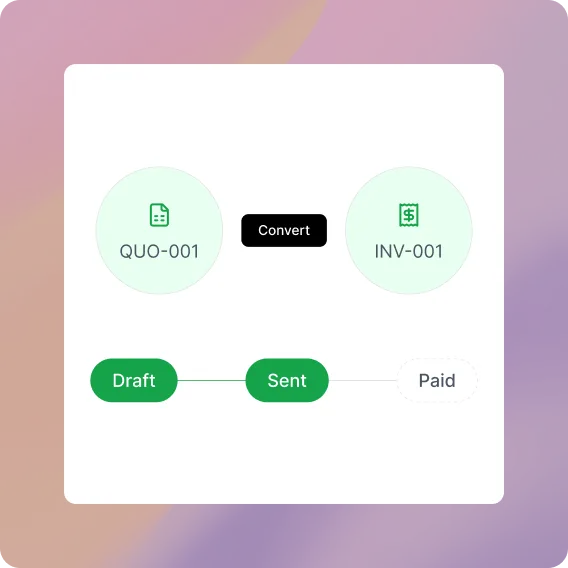
One click rebuilds the accepted quote as an invoice, every line item included.
Take the Payment Yourself
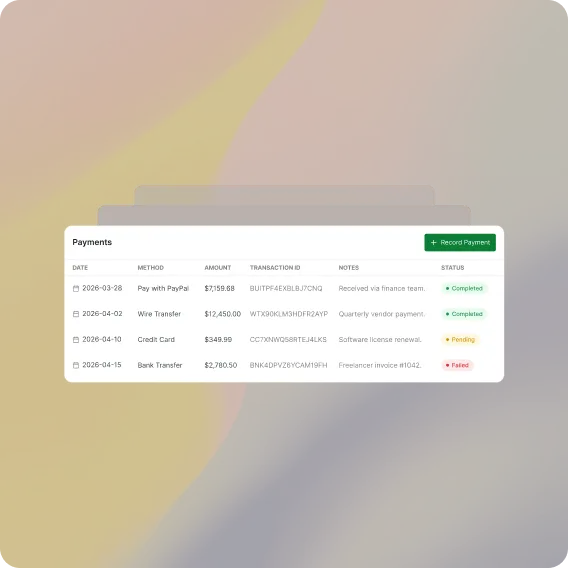
Stripe and PayPal checkout ship with FlyCRM, so no separate billing tool is needed.
Sending Quotes Shouldn't Take Half Your Day
Quoting and billing fall apart the moment they leave the CRM.
Rebuilt From Scratch
Last month's document copied and renumbered by hand.
Sent Into Silence
No record of whether the client opened it.
Paid Whenever
No pay button, so the chasing emails begin.
One Deal, Two Ways to Bill It
See what changes when quoting and billing live on the customer record.

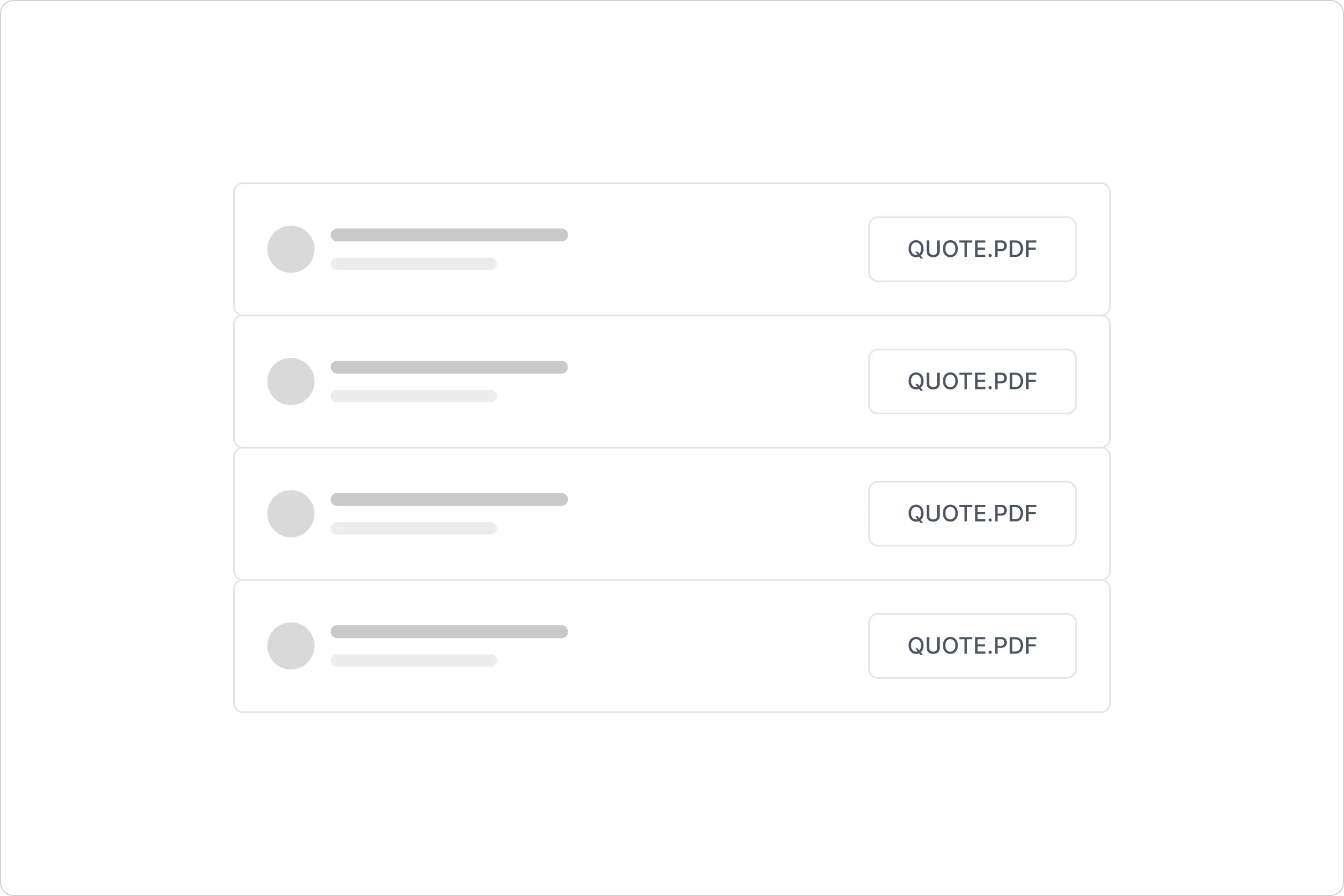
Without FlyCRM
A copied document, a PDF attachment, a long email thread, and a spreadsheet somewhere that tries to remember who has actually paid.

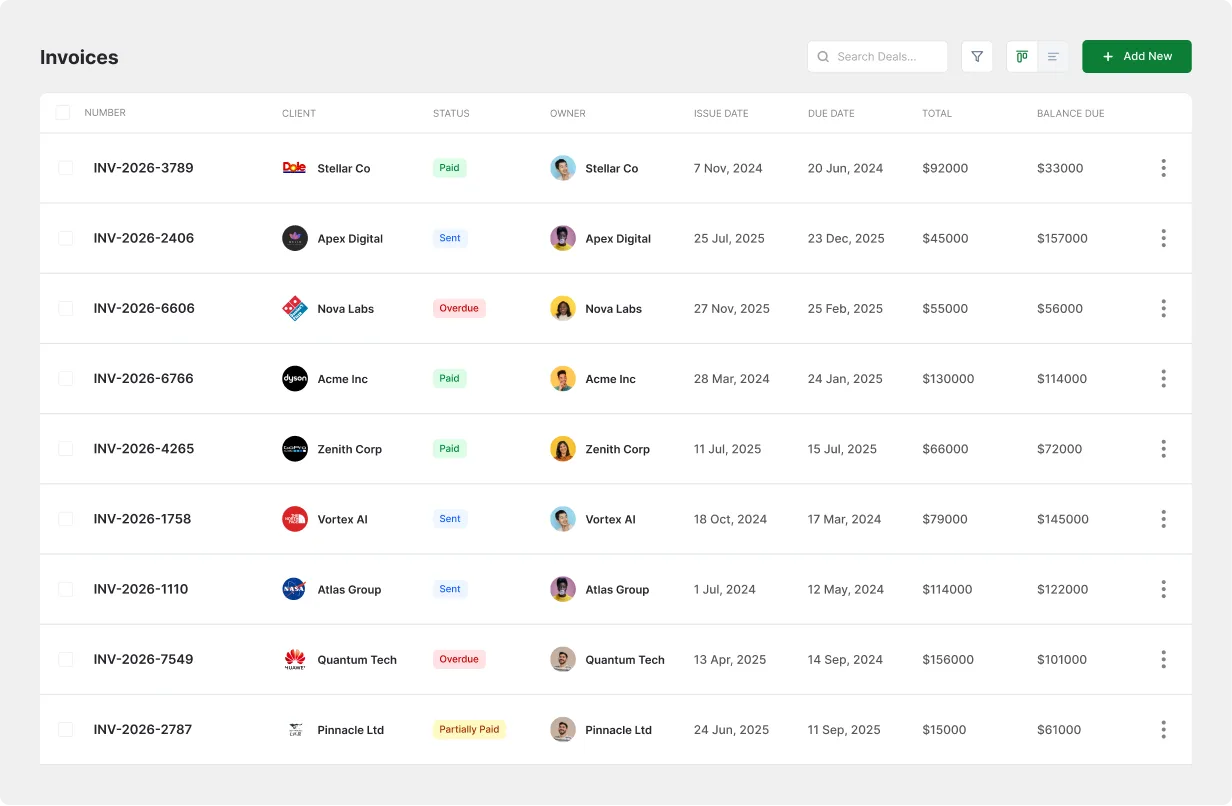
With FlyCRM
A numbered quote with a public link, one click to turn it into an invoice, and a live balance due sitting on the customer record.
Every Line, Every Discount, One Document
Add line items with a title, description, quantity, and unit price, then apply a fixed or percentage discount and a tax rate. Notes and terms go to the client, internal notes stay with your team, and every quote gets its own number and public URL.
Accepted Quote In, Sent Invoice Out
A quote moves from draft to sent to accepted or declined, and it records the moment the client first opened the link. Once it is accepted, convert it into an invoice in one click, send that invoice by email, and watch the balance due fall to zero.
A Pay Button on Every Invoice
Stripe and PayPal integrations are built into FlyCRM and switched on under Settings, Payment Gateways. The client opens the public invoice link, pays by card or PayPal, and the invoice records the payment against the balance due.
Also in Quotes & Invoices
The smaller details that keep every document accurate and accounted for.
Auto Numbering
Every document gets its own reference, from QUO-0001 to INV-0001.
Fixed or Percentage Discounts
Knock a flat amount or a percentage off any quote or invoice.
Tax Rate Support
Set a tax rate per document and let the total calculate itself.
Public Document URLs
Share a quote or invoice as a link, no client account required.
View Tracking
See the moment a client first opened the document you sent.
Internal Notes
Keep margin reminders on the record without the client seeing them.
Issue and Due Dates
Every document carries the day it went out and the day it is due.
Contact and Company Links
Attach each document to the person and the business behind it.
Questions and Answers
-
Yes. Every invoice has a public URL, and Stripe and PayPal checkout run straight from it.
-
One click converts the accepted quote into an invoice carrying the same line items and totals.
-
Yes. Apply a fixed or percentage discount and set a tax rate on any quote or invoice.
-
Quoting ships inside the free FlyCRM plugin rather than sitting behind an enterprise tier.
-
Yes. Each quote records the moment the client first viewed its public link.