Open One Contact, See Everything You Know
The profile, the company they work for, their open deals, and every call your team logged, all on one record inside WordPress.
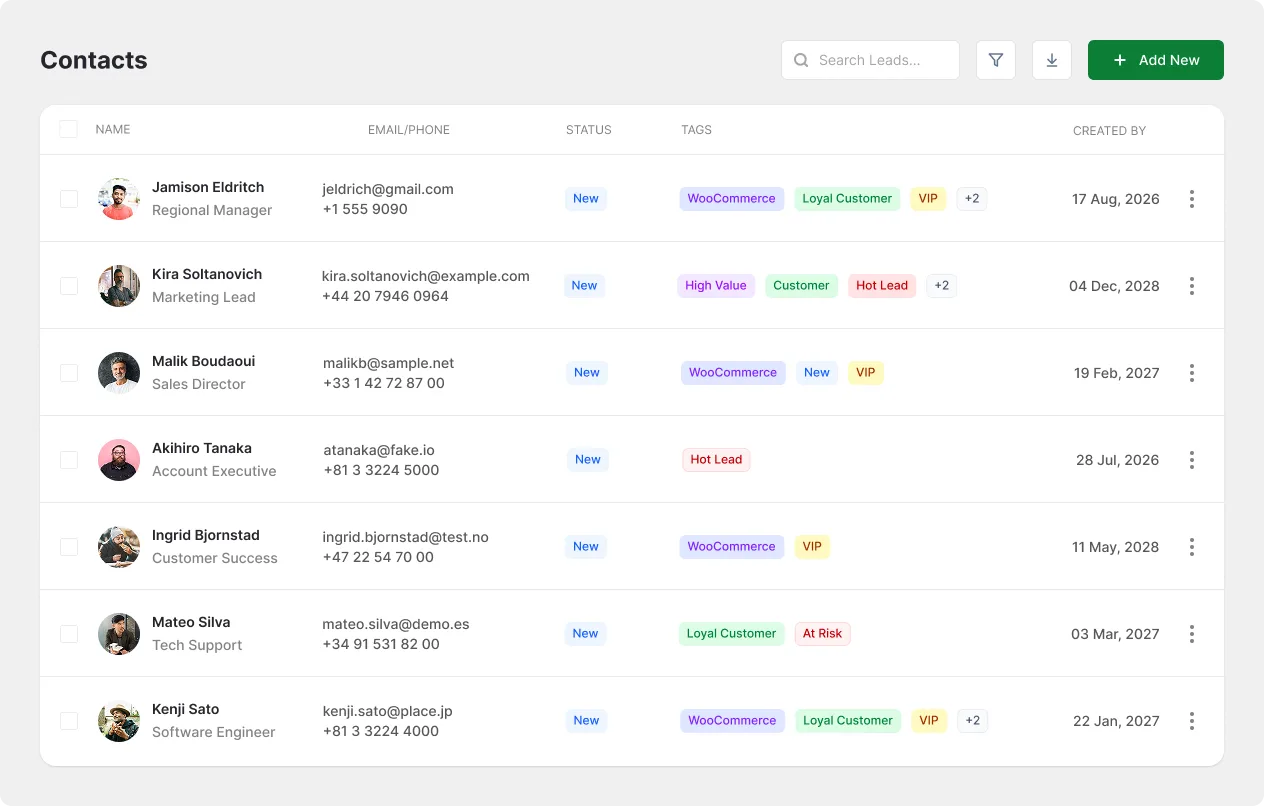
Everything You Know, One Profile
Name, email, phone, address, photo, tags, and company all on a single record.
See Everyone at a Company
Link as many contacts as you like to one company, then view the whole account together.
Every Call and Note, Logged
Record calls, emails, meetings, and notes on the contact, then schedule the next step.
Customer Information Lives in Five Different Places
A new teammate asks what you know about a client, and nobody in the room can answer.
Half a Record
The spreadsheet has phone numbers but no deal history.
Trapped Conversations
Gmail holds the thread but not the company details.
Nobody Remembers
No shared record of who spoke to whom last week.
The Same Client, Two Very Different Answers
A client calls on a Tuesday afternoon and asks where things stand.

Without FlyCRM
You open a spreadsheet for the phone number, search your inbox for the last thread, message a colleague to ask who called them in June, and then ask the client a question they already answered twice.


With FlyCRM
You open one contact record. Their company, their colleagues, their open deals, and every call your team logged are already on the screen before you say hello.
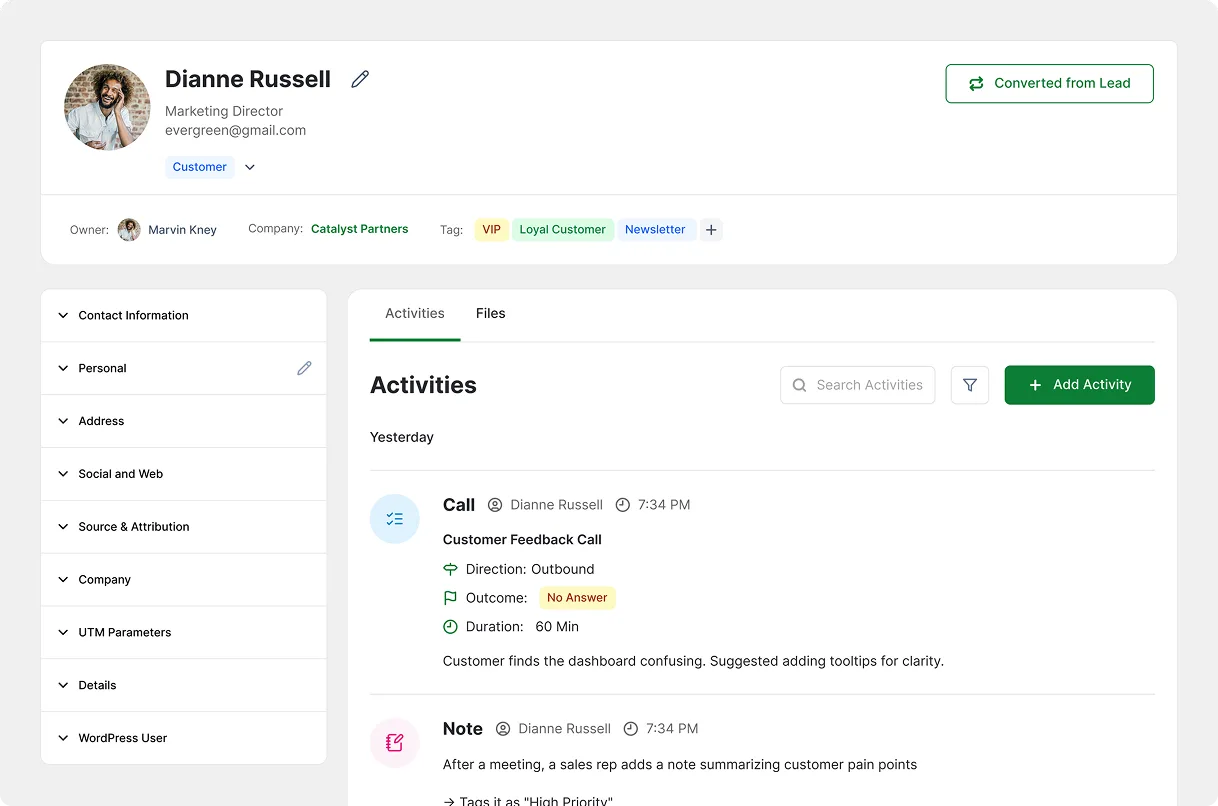
One Person, One Screen, Nothing Missing
Open a contact and the full profile is there: name, email, phone, address, photo, and tags. Beside it sits the company they work for, the deals they are part of, the notes your team wrote, and every activity ever logged against them. Edit any field without leaving the page.
One Company, Every Person in It
A company profile holds the name, address, phone, email, website, and industry. Link every contact who works there, then open the company to see its people, its deals, and its activity side by side. When the person you deal with leaves, the account history stays.
Find Anyone, Then Act on All of Them
Filter by name, email, company, tag, or status to reach the right contact in seconds. Save the result as a named group like VIP Clients or Newsletter Subscribers, then tag, assign, export, or email everyone in it at once. Groups feed straight into weMail campaigns.
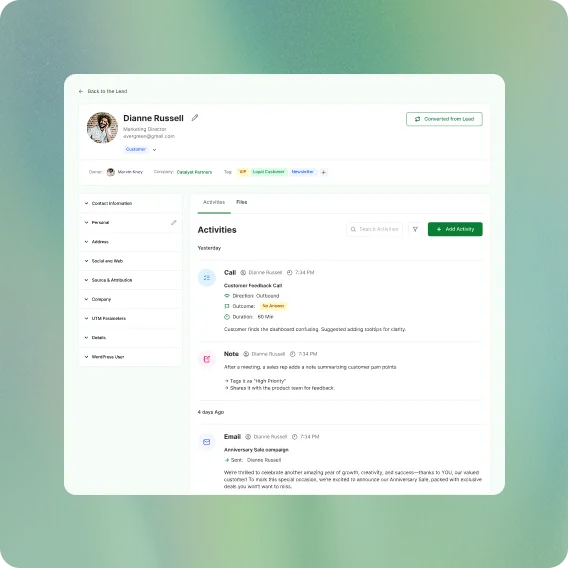

Also in Contacts & Companies
The smaller pieces that keep a contact database clean and useful.
Import & Export
Bring contacts and companies in from a file, and take them out whenever you want.
Bulk Actions
Tag, assign, export, or delete hundreds of contacts in a single move.
Contact Tags
Label anyone by segment, product, or region, then filter by that tag.
Advanced Filtering
Narrow a list by name, email, company, tag, or status in a few clicks.
Custom Fields
Add your own fields to contacts and companies, including industry, revenue, or anything you track.
Custom Activity Types
Name the activity types your team actually uses instead of the defaults.
Activity Reminders
Schedule the next call or meeting on a record and get reminded before it.
WooCommerce Sync
See customer order history, lifetime value, and purchase count on the contact record.
Questions and Answers
-
Yes, import contacts and companies from a file and map each column to the FlyCRM field it belongs in.
-
No, every plan including the free one holds unlimited contacts and companies with no per-contact fee.
-
Yes, link as many contacts as you need to one company and see all of them on the company record.
-
Yes, the WooCommerce integration creates contacts from store purchases and shows order history and total spend on the record.
-
In your own WordPress database on your own hosting, with no separate app holding a copy.