Never Drop a Follow-Up Again
Give every call, email, and next step an owner and a due date, then log what happened against the right contact or deal.
Assign It, Date It, Track It
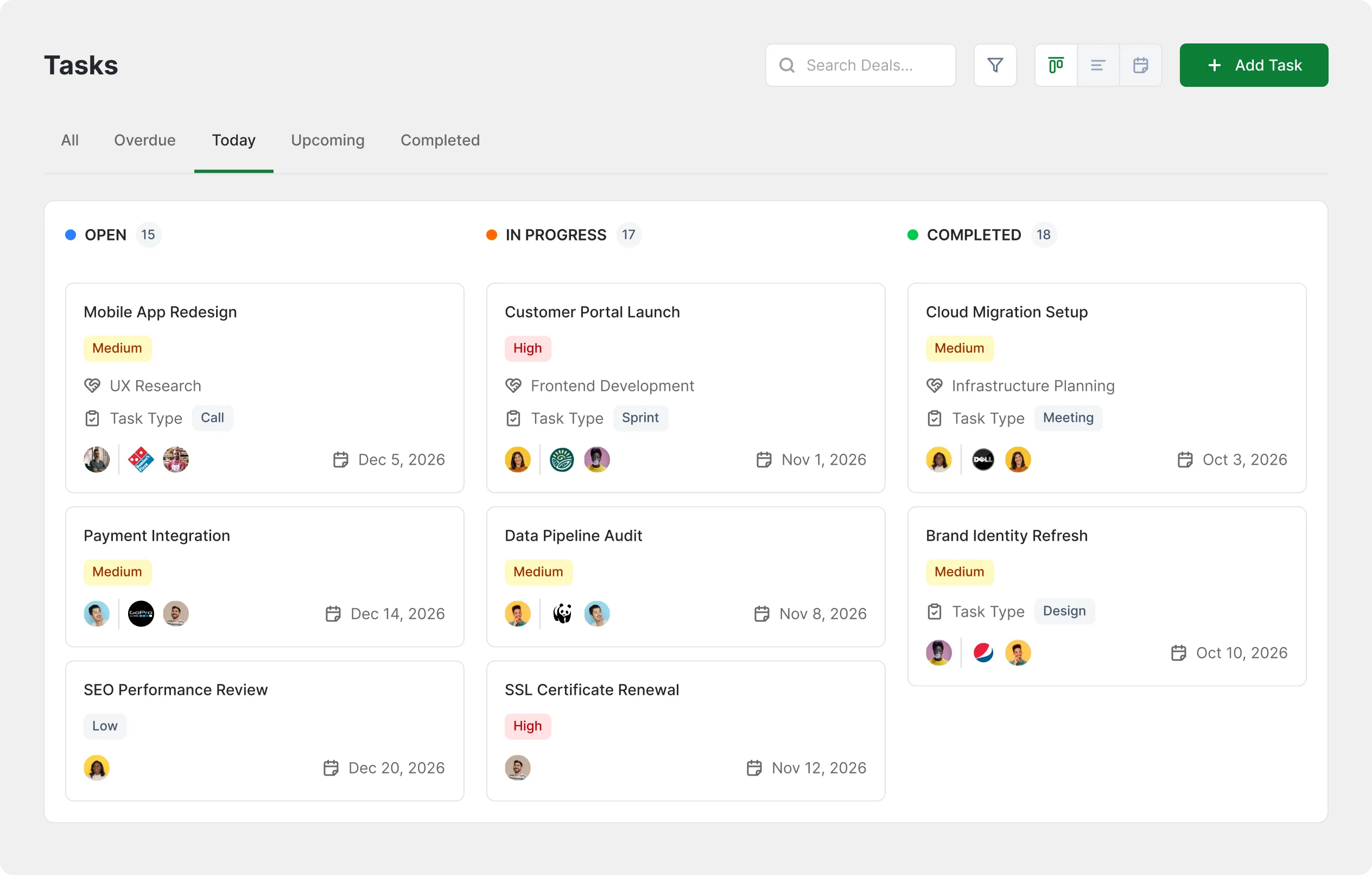
Create a task, hand it to a teammate, set the due date, and watch it move from open to completed.
Every Call and Email, Logged
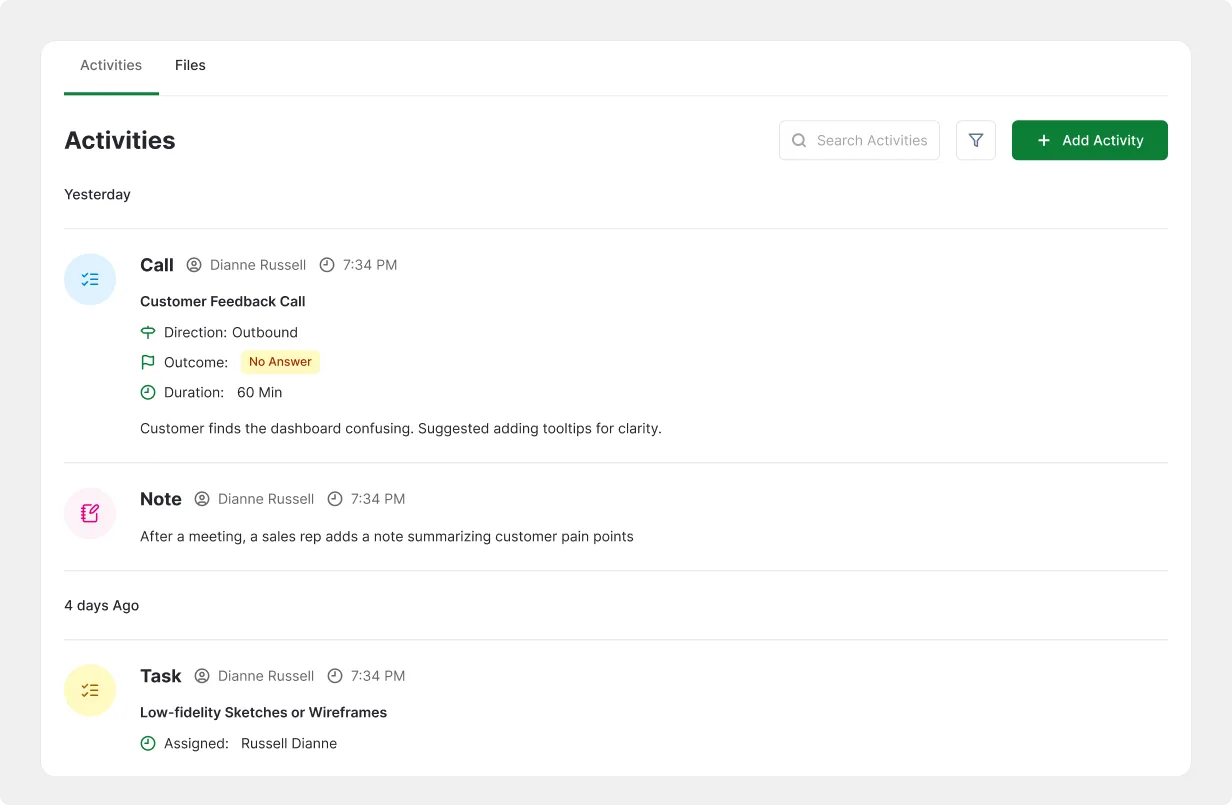
Notes, calls, emails, meetings, and files all land on one timeline you can read top to bottom.
Every Task Knows Its Deal
Link a task to the contact, company, or deal it belongs to so the context travels with it.
Follow-Ups Fall Through the Cracks Without a System
The next step lives in someone's head, so it only happens when they remember.
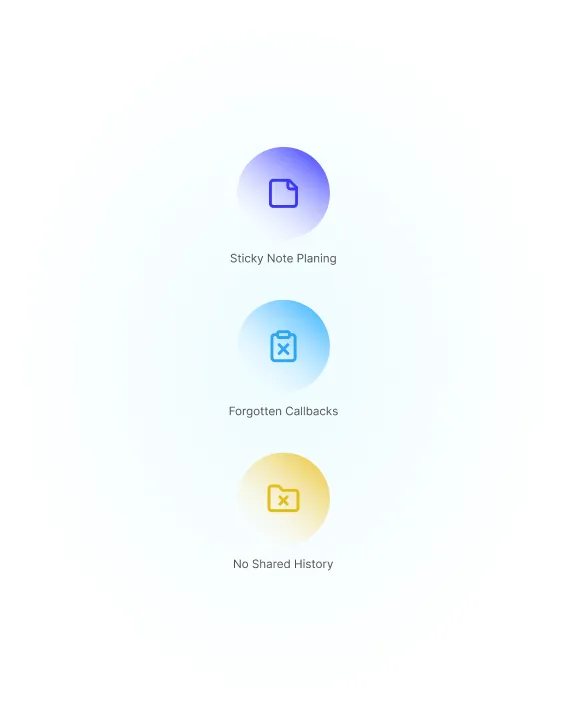
Sticky Note Planning
Next steps sit on paper, in inbox drafts, and in private reminders.
Forgotten Callbacks
The promised call never happens and the buyer quietly goes elsewhere.
No Shared History
Nobody can tell who called, what was said, or who owns the next move.
The Same Deal, Two Different Endings
One version relies on memory, the other on a task with an owner.

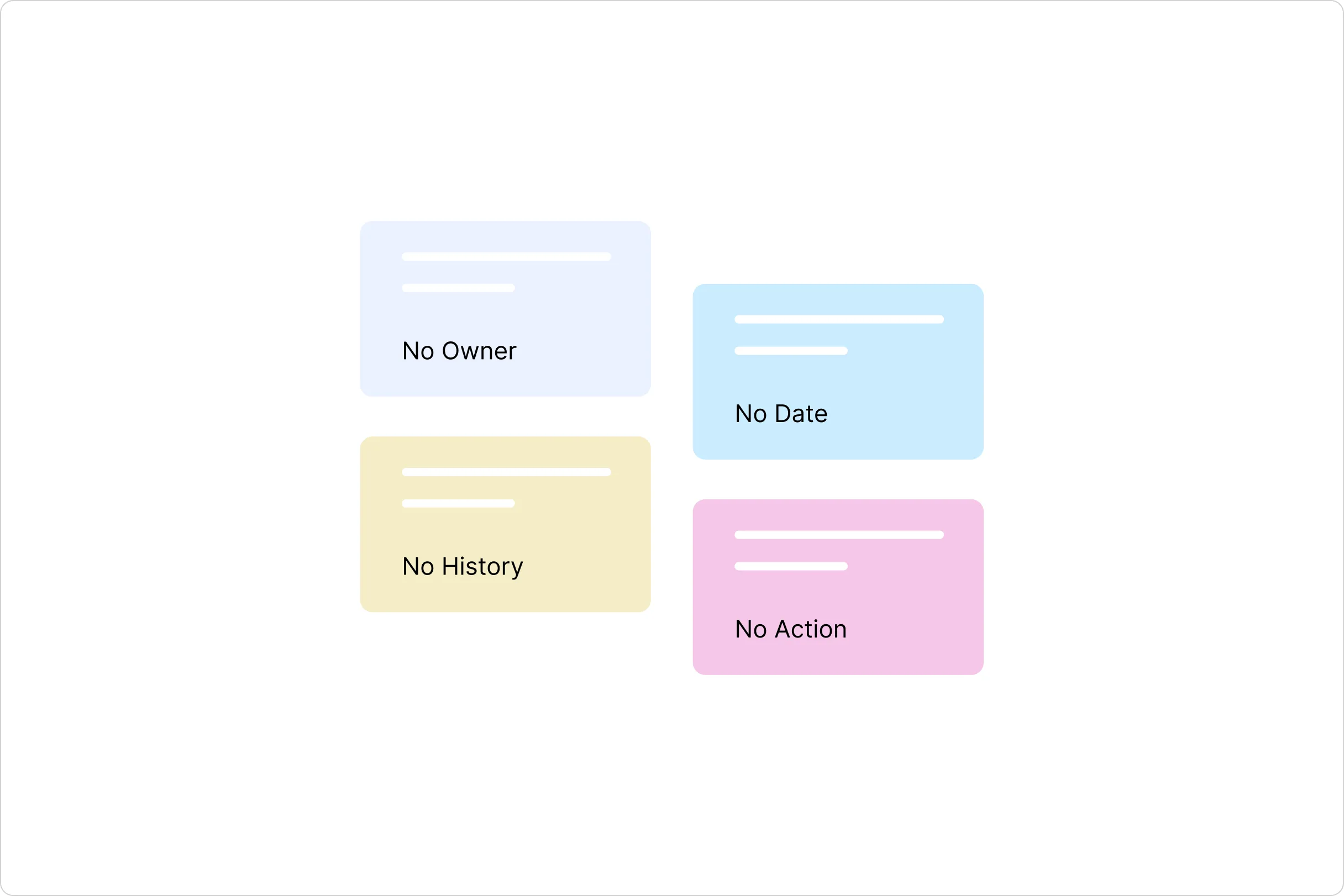
Without FlyCRM
Next steps scattered across notes and inboxes, callbacks missed, no record of the last conversation, and nobody sure who was supposed to act.

With FlyCRM
Every follow-up is a task with an owner, a priority, and a due date, and every call, email, and meeting sits on the record it belongs to.
One Task, One Owner, One Due Date
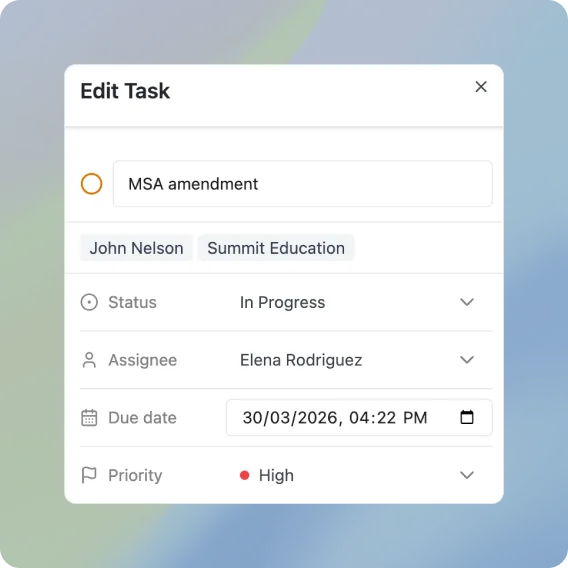
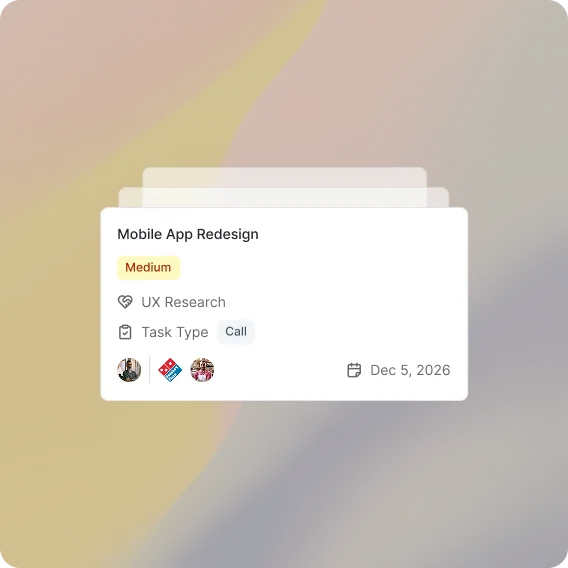
Give a task a subject, a description, a due date, and a priority, then assign it to a teammate. Set the type to a to-do, a call, or an email, move it from open to in progress to completed, and keep the back and forth in task comments.
Eight Activity Types, One History
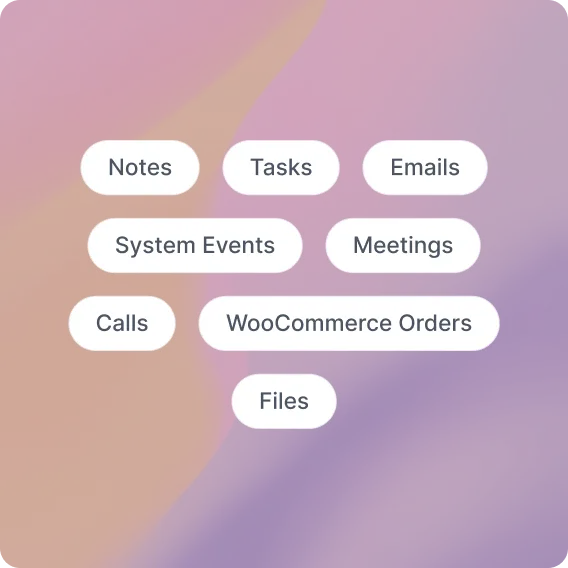
FlyCRM logs notes, tasks, emails, calls, meetings, files, system events, and WooCommerce orders as activities on the record they belong to. Open a contact and read the whole relationship in order, with the name of whoever logged each entry.
See Who Owns What, and What Is Done
Every task carries an assignee, a status, and a priority, so open work is never anonymous. Completed tasks record the moment they were finished, which makes it easy to tell real progress from good intentions.
Also in Activities & Tasks
The smaller details that keep follow-through honest.
Task Comments
Post comments on any task so the discussion stays with the work.
Priority Levels
Mark every task high, medium, or low so the urgent work stands out.
Task Types
Flag each task as a to-do, a call, or an email before you start.
Email Logging
Record email messages as activities against the contact who received them.
Call Logs
Log a call with its own subject and notes right after you hang up.
Meeting Notes
Write up what a meeting decided and keep it on the record.
File Attachments
Attach a file as an activity so the document sits beside the conversation.
System Activity
FlyCRM writes its own entries when a deal changes stage.
Questions and Answers
-
Yes, every task takes an assignee, and you can reassign it to another team member at any time.
-
Eight types, covering notes, tasks, emails, calls, meetings, files, system events, and WooCommerce orders.
-
Yes, a task can be linked to contacts, companies, and deals, so the context stays attached.
-
Yes, every activity attached to a contact appears on that contact's own timeline in date order.
-
No, activities use the eight built-in types, and anything outside that list is rejected.
-
Completing a task sets its status to completed and stores the timestamp of when it was finished.